
Easybet App – Download, Login and Play on Mobile
Table of contents
Easybet's mobile app puts the full casino lobby and sports markets — including football, horse racing and exchange-style Back and Lay pricing — in one place on your phone, with the same login and deposit options as the desktop site. You can download it for iOS or Android, or skip the install entirely and run everything through your browser instead. Either route, registration, identity checks and your first deposit work exactly the same way.
📱 Is There an Easybet App?
Yes — Easybet offers a native app for iOS and Android, built for play on a phone or tablet rather than a shrunk-down copy of the desktop site. The operator launched in 2024 under a UK Gambling Commission licence (number 39504), and that same licence covers everything you do inside the app. Downloading it gives you the full casino lobby, live dealer tables from Evolution, Playtech and LuckyStreak, and the sportsbook, all behind one login.
The app mirrors the desktop experience closely: deposits via Visa, Mastercard, Apple Pay, Google Pay, Skrill or Neteller land instantly, and withdrawals typically clear within one to two business days regardless of which device you used to request them. If you run into a question while playing, support is reachable by email between 09:00 and 02:00 GMT.
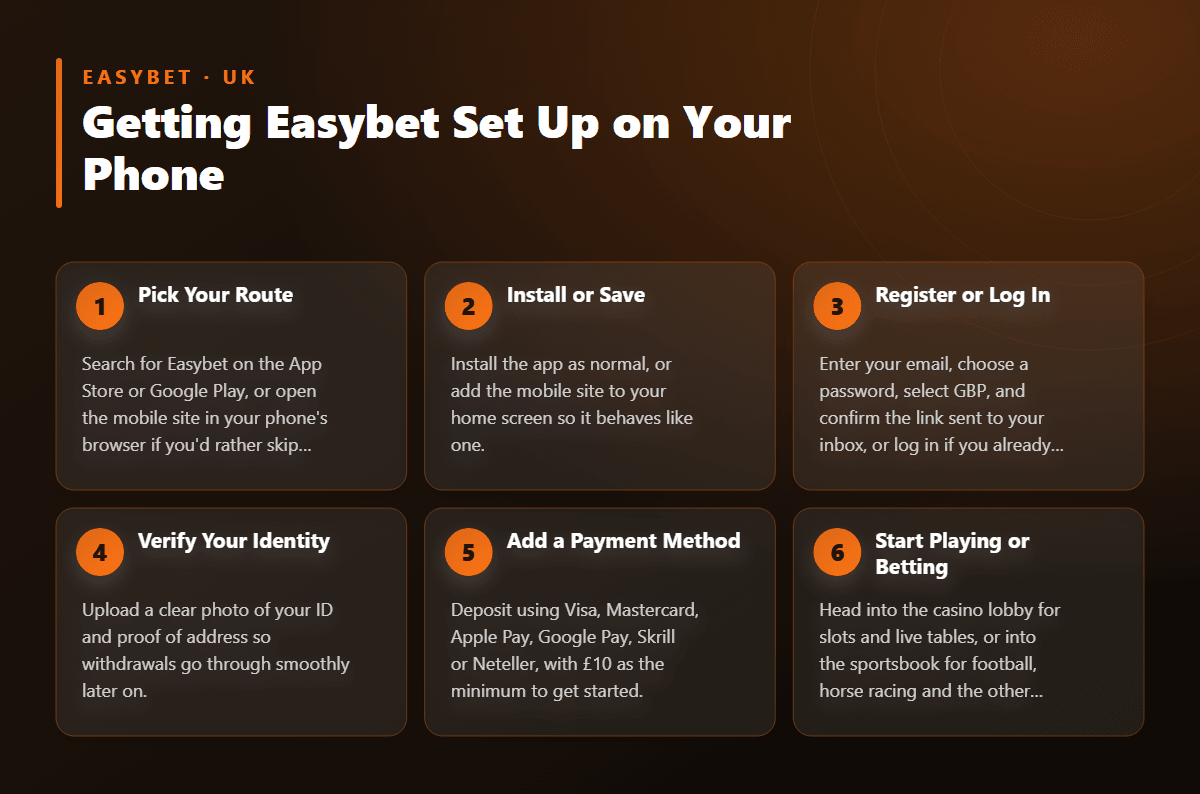
Getting Easybet Set Up on Your Phone
Whether you install the app or stick with the browser, the setup takes just a few minutes.
- Pick Your Route Search for Easybet on the App Store or Google Play, or open the mobile site in your phone's browser if you'd rather skip the download.
- Install or Save Install the app as normal, or add the mobile site to your home screen so it behaves like one.
- Register or Log In Enter your email, choose a password, select GBP, and confirm the link sent to your inbox, or log in if you already have an account.
- Verify Your Identity Upload a clear photo of your ID and proof of address so withdrawals go through smoothly later on.
- Add a Payment Method Deposit using Visa, Mastercard, Apple Pay, Google Pay, Skrill or Neteller, with £10 as the minimum to get started.
- Start Playing or Betting Head into the casino lobby for slots and live tables, or into the sportsbook for football, horse racing and the other markets on offer.
What You Can Play and Bet On Inside the App
The casino side covers the games most UK players look for first: slots such as Big Bass Bonanza, Gates of Olympus, Sweet Bonanza, Divine Fortune and Mega Moolah, plus table classics like Roulette, Blackjack and Baccarat, and video poker titles including Jacks or Better and Aces and Eights. Hundreds of titles sit behind these categories, supplied by NetEnt, Play'n GO, Red Tiger, Evolution, Playtech and LuckyStreak, so the lobby doesn't feel thin once you start scrolling. If you want the full terms of the current welcome offer, the Easybet bonus page breaks down the wagering and bet limits in detail.
Sports betting sits alongside the casino in the same app, with markets across football, horse racing, greyhound racing, golf, boxing, tennis and cricket, among others. One feature worth understanding before your first sports bet is the exchange-style Back and Lay pricing: instead of only backing a selection to win at a fixed price, you can also lay it — effectively taking the other side — which often produces sharper prices than a standard bookmaker offers, especially on busy horse racing markets. The Bet Builder tool lets you combine several selections from the same fixture into a single bet slip, with the combined price recalculating as you add each leg.
Racing fans can opt into the Weekly Horse Racing Free Bet Club directly from the app menu: once you're opted in, qualifying stakes on eligible races earn a free bet to use on a future meeting, and the offer resets automatically so there's no need to re-enter it week after week. Selected horse racing meetings also stream live inside the app, letting you watch the race and manage your bet slip on the same screen rather than juggling two separate apps.
How the Odds Compare
Because Easybet runs Back and Lay pricing next to standard fixed odds, the app often shows two routes to the same bet — and comparing them before you stake is worth the extra few seconds. Many football and horse racing bettors find the exchange-style side of the book compares well against other UK bookmakers, particularly on well-backed favourites where lay prices tend to tighten. The casino side carries a similar transparency: slot return-to-player figures are published by the providers themselves, so you're not relying on marketing copy to judge a game before you load it.
At a Glance: What Stands Out
- Native app for iOS and Android, not just a mobile browser shortcut
- Back and Lay pricing available on sports markets inside the same app as the casino
- Bet Builder for combining selections without leaving the fixture page
- Live streaming of selected horse racing meetings
- Withdrawals processed within one to two business days across devices
- Support reachable by email during extended daily hours
Easybet App vs Mobile Browser
| Feature | Native App | Mobile Browser |
|---|---|---|
| Installation | Download from App Store or Google Play | No download — opens directly in Safari or Chrome |
| Casino lobby | Full access to slots, table games and live casino | Same full access, no reduced version |
| Sports betting incl. Back and Lay | Available | Available |
| Live streaming of racing | Yes, inside the app | Yes, inside the browser tab |
| Home screen shortcut | Standard app icon after install | Add to Home Screen option |
| Storage used | Small download required | None — nothing stored locally |
Opening Easybet From Your Phone Without Installing Anything
If you'd rather not install an app straight away, the mobile site works fully in Safari or Chrome and carries the same casino lobby and sports markets as the native app. Open your phone's browser, go to the Easybet site, and log in as normal — nothing about registration, deposits or withdrawals changes depending on which route you take.
Adding a shortcut to your home screen takes a few taps and saves you typing the address every time. On iPhone, open the site in Safari, tap the share icon, then choose 'Add to Home Screen'. On Android, open the site in Chrome, tap the three-dot menu, then look for 'Add to Home screen' or 'Install app' depending on your Chrome version. Either way, the icon that appears behaves like any other app icon — tap it and you land straight on the login screen.
Registering and Logging In From Your Phone
Signing up on mobile takes the same steps as on desktop, just with a smaller keyboard. Open the app or the mobile site, tap register, confirm you're a player aged 18 and over, and enter your email, choose a password, and select GBP as your currency. A confirmation link lands in your inbox within moments; tap it from your phone and your account is active. For a fuller step-by-step walkthrough, see the registration page.
From there, logging in is a two-field job: email and password, with two-factor authentication available if you've switched it on for extra security. Before your first withdrawal, you'll need to complete identity verification — a clear photo of your ID document, proof of address, and confirmation of the payment method you used. Submitting readable documents the first time keeps this step quick rather than dragging it out over several back-and-forth messages.
Payments and Support While You're on the Move
Mobile deposits use the same methods as desktop — Visa, Mastercard, Apple Pay, Google Pay, Skrill and Neteller — with a minimum of £10 to get started, and Apple Pay or Google Pay tend to be the fastest route since your phone already has the card details saved. Withdrawals follow the same one to two business day window regardless of device, so there's no mobile penalty for cashing out from your phone instead of a desktop.
If something doesn't look right in the app, support is reachable by email and covers calls between 09:00 and 02:00 GMT, which spans most evening sessions when mobile play tends to pick up. Keeping the app updated to the latest version from the App Store or Google Play also avoids most of the display quirks that crop up after an operating system update.